


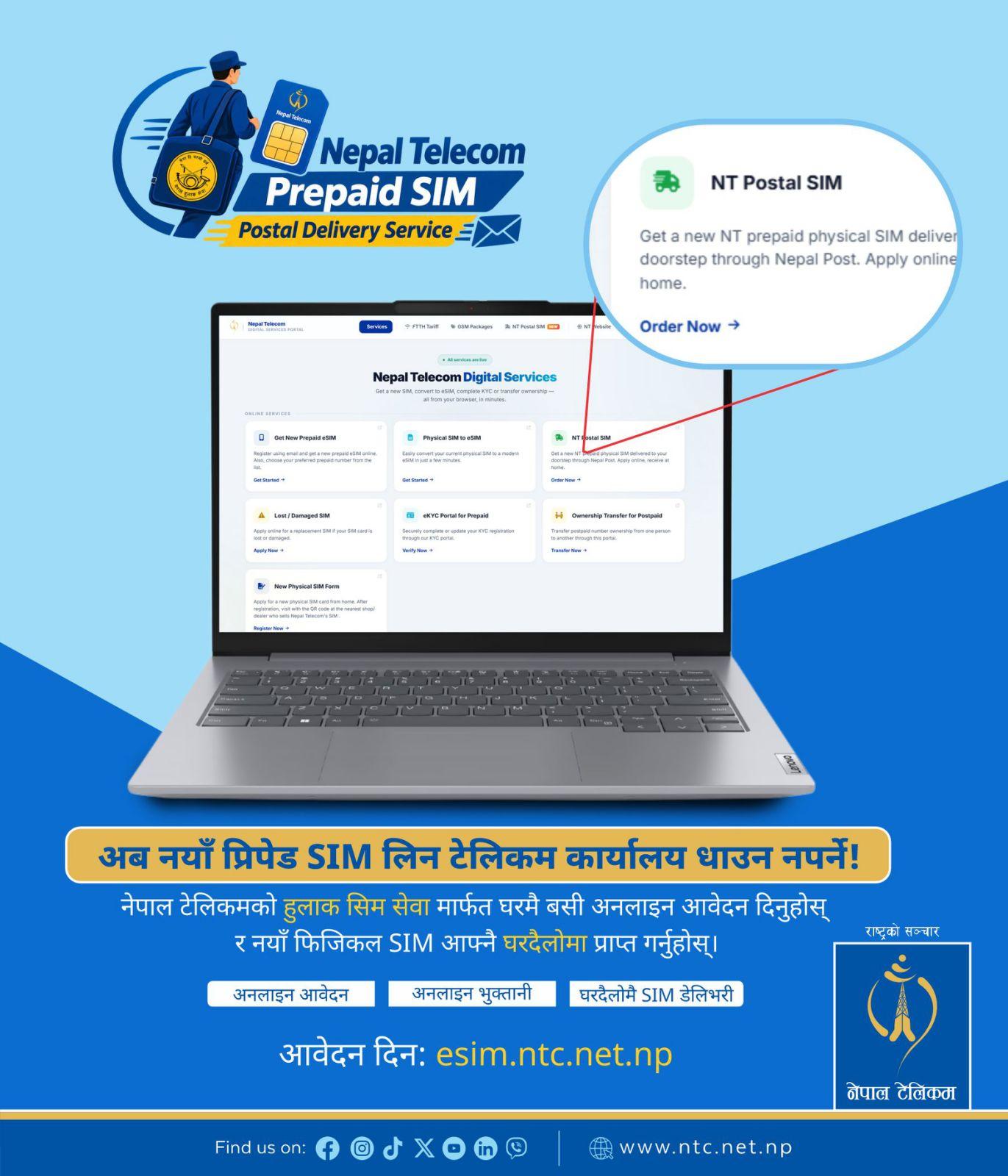
Getting a new Nepal Telecom SIM is now easier than ever! With Nepal Telecom’s Postal SIM Service, you can apply for a new prepaid physical SIM card online and have it delivered to your doorstep through Nepal Post.
No need to visit a Nepal Telecom office just to apply for a new SIM. Complete your application online, verify your documents, make the payment, and receive your SIM at your preferred delivery address.
This service is designed to make SIM registration more convenient, especially for people living in remote areas, busy professionals, senior citizens, and anyone who prefers to apply from home.
How to Apply for a Postal SIM
Follow these simple steps to apply for your new Nepal Telecom SIM card.
Step 1: Log In to the Online SIM Portal
Visit esim.ntc.net.np and log in to the portal. Select Postal SIM Portal to begin your application.
Step 2: Fill Out the Application Form
Select Start Application and complete the required personal details, including:
- Full name
- Date of birth
- Delivery address
- Nearest landmark
- Alternate mobile number for OTP verification
Please enter your details carefully, as your SIM will be delivered to the address provided in the application. You can save your application as a draft and continue later if needed.
Step 3: Upload Your Documents
Upload the following documents:
- A recent profile photograph
- A clear photograph of the front and back of your valid citizenship certificate or passport
Make sure that all photographs and documents are clear, complete, and readable to avoid delays during verification.
Select your preferred Nepal Telecom counter and review your application before submitting it.
Step 4: Wait for Document Verification
Nepal Telecom will review your application and documents. You will receive an SMS notification regarding the verification result.
- If approved: Proceed to the payment stage.
- If corrections are required: Update the marked details and resubmit your application.
- If rejected: Submit a new application as instructed.
Step 5: Make the Payment
Once your application is approved, proceed to the payment page.
The charges are as follows:
|
Particulars |
Amount |
|
SIM card charge |
NPR 90 |
|
Postal delivery charge |
NPR 70 |
|
Total payable |
NPR 160 |
You can make the payment by scanning the Dynamic QR code using a compatible banking app or digital wallet, or by paying directly through Namaste Pay.
Please check the total amount displayed on the payment page before completing the transaction.
Step 6: Receive Your Mobile Number and Activation Code
After successful payment, Nepal Telecom will assign a mobile number to your application.
Your mobile number and SIM activation code will be sent to you via SMS and email.
Keep your activation code safe. You will need it to activate your SIM after delivery.
Step 7: Track Your SIM Delivery
Once your SIM is dispatched through Nepal Post, you can track its delivery status from your application dashboard.
After the postal booking is completed, an order or consignment ID will be available for tracking. Use the tracking option to check the progress of your delivery.
Step 8: Receive Your SIM at Your Doorstep
A Nepal Post delivery employee will bring your SIM to the address provided in your application.
During delivery, you will need to provide your mobile number and the required verification details.
If delivery is unsuccessful after three attempts, you will be notified to collect your SIM from the designated Nepal Telecom counter. Please bring your original identification document when collecting it.
Step 9: Activate Your SIM
Once you receive your SIM, activate it using either of the following methods:
- Through the portal: Log in to the online SIM portal and enter your activation code on the activation page.
- Through your mobile phone: Insert your new SIM, dial *1414#, and follow the instructions, including entering your activation code if prompted.
Your SIM will be ready to use once the activation process is completed.
Postal SIM Service Charges
The total charge for the Postal SIM Service is NPR 160, consisting of NPR 90 for the SIM card and NPR 70 for postal delivery.
Payments can be made through a compatible banking app or digital wallet by scanning the Dynamic QR code, or directly through Namaste Pay.
Check Your Application Status
You can monitor your application through the dashboard in the Postal SIM Portal. The status helps you understand what action, if any, is required.
- Draft: Your application has been saved but not submitted.
- Under Review: Nepal Telecom is checking your application and documents.
- Correction Required: Update the marked details and resubmit your application.
- Approved: Your application has been approved and is ready for payment.
- Payment Confirmed: Your payment has been received; mobile number assignment is pending.
- Awaiting Dispatch: Your SIM is awaiting postal dispatch.
- In Transit: Your SIM is on its way through Nepal Post.
- Collect from Counter: Delivery was unsuccessful, and you need to collect your SIM from the designated Nepal Telecom counter.
- Delivered: Your SIM has been delivered; complete the activation process.
- Active: Your SIM activation is complete.
Important Tips for a Smooth Application
- Enter your personal information and delivery address accurately.
- Include a clear landmark to help the delivery employee locate your address.
- Upload clear photographs of your profile and identification documents.
- Keep your alternate mobile number accessible for OTP verification.
- Check your SMS and email for application updates and your activation code.
- Save your application as a draft if you need to complete it later.
- Use the dashboard to check your application and delivery status.
- Keep your activation code secure until your SIM has been activated.